How Do You Choose the Right GPU for Gaming?
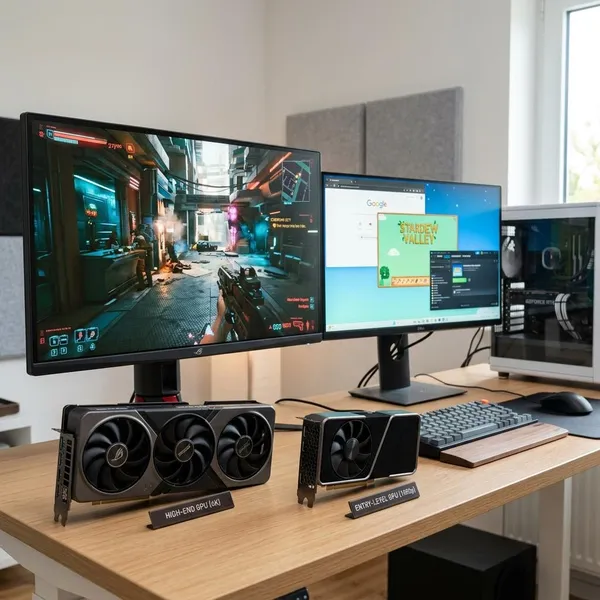
A gaming display card usually means the graphics card, or GPU, in a gaming PC. If you are choosing one, start with your monitor and the games you actually play: 1080p at 60Hz needs a very different card than 1440p at 165Hz or 4K with ray tracing. After that, check real benchmarks, VRAM, power supply needs, case fit, cooling, and display outputs before you buy.
What Does a Gaming Graphics Card Do?
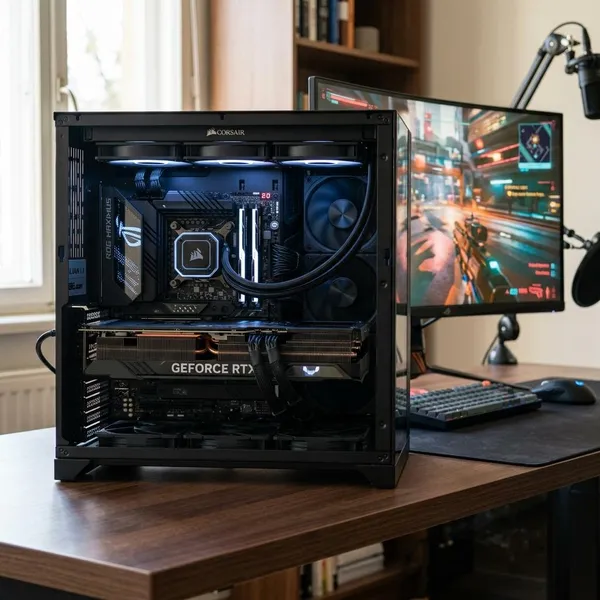
The graphics card does the heavy visual work while you play. The CPU still matters for game logic, background tasks, and feeding data to the GPU, but the GPU is the part that turns game data into the moving image on your screen.
It renders game worlds, textures, and effects
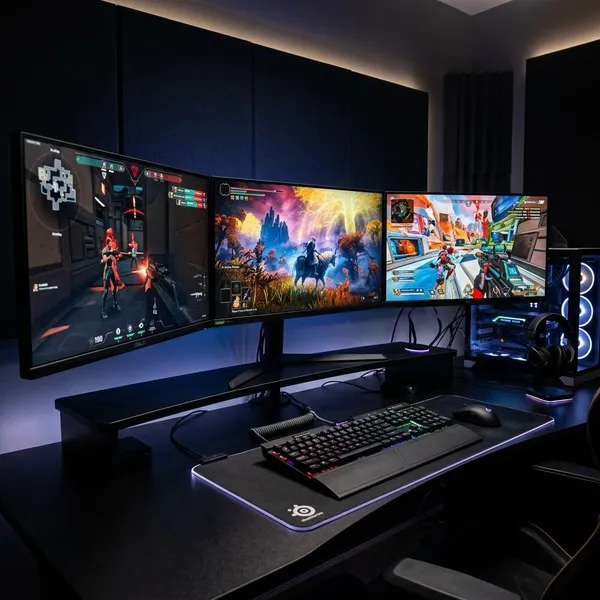
The GPU draws the parts of the game you see: characters, terrain, lighting, shadows, reflections, smoke, water, and texture detail. A simple esports map is much easier to render than a dense open-world city with weather, crowds, and high-resolution textures.
If the card is too weak, the game may still run, but you will usually lower texture quality, shadows, effects, or viewing distance to keep it playable. That is fine for casual use, but it becomes frustrating if you bought a sharp monitor and expected high settings.
It controls frame rates and visual settings
Frame rate is one of the most noticeable GPU-related changes. Higher FPS makes motion look smoother and can make controls feel more responsive, especially in shooters, racing games, and fast action titles.
- Average FPS tells you the usual performance level.
- 1% lows show how badly performance dips in heavy moments.
- Graphics settings decide how much visual quality you trade for speed.
It supports higher resolutions and refresh rates
A 1080p 60Hz monitor is a modest target. A 1440p 165Hz monitor asks the GPU to draw more pixels and refresh them more often. A 4K 120Hz or 144Hz screen raises the workload again.
This is where many buyers overspend or underspend. If you own a basic 1080p display, a flagship GPU may not change your experience much. If you already bought a high-refresh 1440p monitor, a budget GPU may leave the screen underused.
It enables ray tracing and image upscaling
Modern GPUs can also support ray tracing and upscaling features. Ray tracing improves lighting, reflections, and shadows in supported games, but it is demanding. Upscaling tools such as DLSS, FSR, or XeSS can help recover performance by rendering differently and reconstructing the image.
Which Graphics Card Specs Matter Most?
GPU model names are useful, but they do not tell the whole story. Two cards can sit in the same general tier yet differ in VRAM, cooling, size, power use, noise, and monitor support.
Gaming benchmarks show real-world performance
Benchmarks are the best starting point because they show how a GPU performs in actual games at 1080p, 1440p, or 4K. Look for tests that include the games or game types you play most, not only synthetic scores.
VRAM affects textures and high-resolution gaming
VRAM stores visual data the GPU needs quickly, including textures and frame buffers. As a rough shopping target, 8GB can still work for many 1080p players, 10GB to 12GB is more comfortable for many 1440p builds, and 4K or heavily modded games may benefit from more.
More VRAM does not automatically mean a faster card. Treat it as a limit to avoid, not as the only performance number. A weak GPU with lots of VRAM can still be slow.
Power draw determines PSU requirements
Power draw decides whether your current power supply is suitable. Before buying, check the GPU manufacturer's recommended PSU wattage, the required power connectors, and the quality of the PSU already in your system.
- Do not rely on wattage alone. A low-quality PSU with a big number on the label can still be a bad match.
- Leave some headroom. The CPU, drives, fans, and future upgrades also use power.
- Check connectors early. Adapters are not a good fix for every build.
Card size determines whether it fits your case
Modern gaming cards can be long, thick, and heavy. Measure GPU clearance in your case before ordering, especially if you have a front radiator, drive cage, compact case, or side panel with limited space.
Thickness matters too. A 2.5-slot or 3-slot card can block another expansion slot or sit too close to the case floor, which can hurt airflow. In a small-form-factor build, size should be checked before you fall in love with a specific model.
Cooling design affects heat and noise
Cooling changes how the card behaves during long gaming sessions. Two versions of the same GPU chip can produce different noise levels because one has a better heatsink, larger fans, or a more relaxed fan curve.
If your PC sits beside your desk or in a bedroom, noise is not a small detail. A slightly cheaper card that gets loud under load may feel like a worse purchase after a few weeks of evening gaming.
Display outputs determine monitor support
Check the ports before you buy, especially for high-refresh monitors, 4K TVs, or multi-monitor setups. Most modern cards include HDMI and DisplayPort, but the number and version of those ports can vary.
Which Graphics Card Tier Fits Your Monitor?
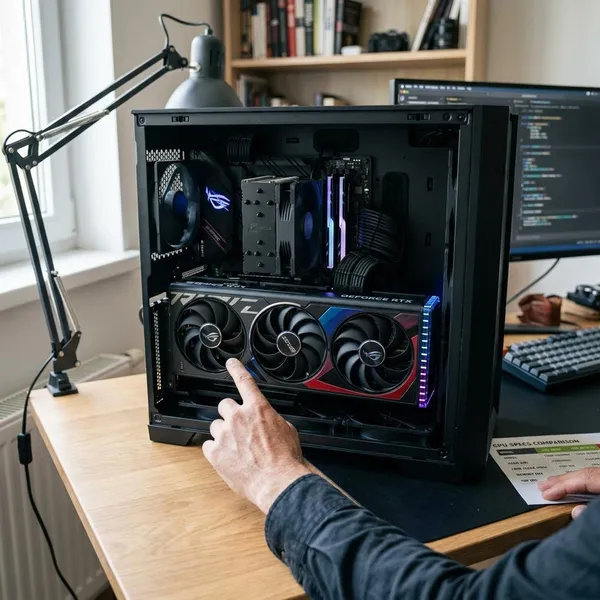
Your monitor should set the target. A card that is perfect for a 1080p 75Hz screen may be underpowered for 1440p high refresh, while a premium 4K card can be wasted if the display cannot show the extra frames or detail.
Use the tier as a starting point, then verify with benchmarks for the games you play. A person who plays Valorant every night has a different "right GPU" than someone who wants single-player games at high settings on a 4K TV.
| Monitor target | GPU tier that usually makes sense | Watch out for |
|---|---|---|
| 1080p 60Hz to 75Hz | Entry-level | Do not pay for performance your screen cannot show |
| 1080p high refresh or 1440p | Midrange | Check 1% lows, not only average FPS |
| 4K or heavy ray tracing | High-end | Confirm PSU, cooling, and case space first |
| Competitive esports | Midrange to upper-midrange, depending on refresh rate | Prioritize stable FPS over ultra settings |
Entry-level cards suit standard 1080p gaming
Entry-level cards make sense for a standard Full HD monitor, lighter games, older AAA titles, indie games, or a budget family PC. They usually use less power and are easier to fit into modest systems.
Midrange cards suit high-refresh 1080p or 1440p
Midrange GPUs are often the best fit for everyday gamers because they balance price, performance, and useful lifespan. They can make a 144Hz or 165Hz 1080p monitor feel smooth and usually handle 1440p well in many games.
This is the tier I would look at first if you want one PC for mixed gaming: some esports, some newer story games, and settings that still look good without paying flagship prices.
High-end cards suit 4K and heavy ray tracing
High-end cards are for people who will actually use the extra power: 4K monitors, premium TVs, demanding single-player games, heavy ray tracing, or higher settings with fewer compromises.
They also bring bigger practical demands. Expect more heat, higher power requirements, larger card designs, and a stronger need for good airflow. If your case or PSU is already marginal, solve that before treating the GPU as a simple drop-in upgrade.
Esports builds need frame rates that match the monitor
For esports, the target is not maximum visual detail. The target is stable FPS close to or above the monitor refresh rate, whether that is 144Hz, 240Hz, or higher.
- 144Hz players should focus on consistent frame rates and good 1% lows.
- 240Hz players need a stronger GPU and often a capable CPU too.
- Ultra settings are usually less important than clarity and responsiveness.
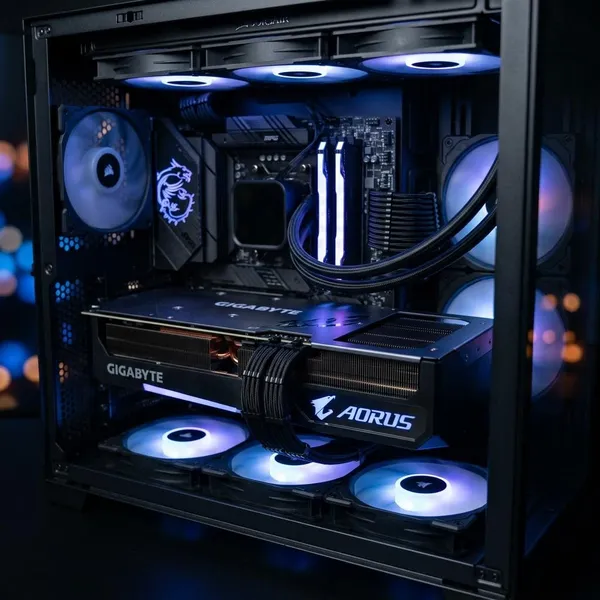
Conclusion
The right graphics card is the one that fits your monitor, games, case, PSU, and budget without creating a new problem somewhere else. Start with the display target, use real benchmarks to narrow the choice, then check VRAM, power, size, cooling, and ports before paying. A balanced card that suits your actual setup will usually feel better than the biggest model name you can stretch to buy.
FAQS
How much VRAM do you need for gaming?
For many current builds, 8GB is a workable 1080p target, while 10GB to 12GB is a safer range for 1440p. If you want 4K, high-resolution texture packs, or heavy mods, look higher and check benchmarks from the games you care about.
Is the RTX 8000 a gaming graphics card?
No, it is usually considered a workstation-class card rather than a gaming-value card. It may run games, but consumer gaming GPUs are normally the better choice for price, drivers, and gaming-focused performance.
How long should a gaming graphics card last?
A gaming graphics card can often stay useful for about four to six years, depending on the tier you buy and how demanding your games become. It may last longer physically, but you may need to lower settings as newer games raise requirements.