Which Gaming Display Is Right for Your Play Style?
If you want the best display for gaming, start with the kind of games you play most and the frame rates your hardware can actually hold. For most high-end PC players, a 27-inch 1440p OLED with a very high refresh rate is the safest sweet spot because it gives you speed, contrast, and realistic performance demands. Go 4K if sharpness matters more than maximum FPS, and choose ultrawide only if immersion is worth the extra desk space and GPU load.
Best gaming displays right now
The strongest gaming displays are not all trying to solve the same problem. One buyer wants cleaner motion in competitive shooters, another wants darker blacks and stronger HDR for story games, and someone with a large desk may care most about being pulled into racing or flight sim worlds.
| Display | Best fit | Main reason to choose it |
|---|---|---|
| ASUS ROG Swift OLED PG27AQDP | Best overall | 1440p OLED with extreme refresh potential for mixed competitive and visual-first gaming |
| ASUS ROG Strix XG32UCWMG | 4K gaming | Large 4K image for sharper detail and more comfortable mixed use |
| Alienware AW2726DM | OLED value | OLED-style strengths without paying only for flagship extras |
| LG UltraGear 27GX790A | Competitive gaming | Fast, focused format for players who prioritize motion clarity and response |
| LG UltraGear 45GX950A | Immersive gaming | Large ultrawide OLED experience for racing, sims, and cinematic games |
Which gaming display is right for you?
Your best category depends on the tradeoff you are most willing to make. Competitive players usually give up some sharpness for higher frame rates. Visual-first players accept higher GPU demand for 4K and OLED image quality. Immersion-focused players accept more desk space and occasional game compatibility quirks for a wider view.
1440p high refresh for competitive gaming
Pick 1440p high refresh if you play fast shooters, ranked multiplayer, or any game where stable FPS matters more than maximum image detail. It is sharper than 1080p, much easier to run than 4K, and often the best balance for keeping frame rates high without gutting your graphics settings.
If you are comparing a 240Hz vs 480Hz monitor, treat 240Hz as already excellent for most players. A 480Hz display is worth considering only if you play seriously, lower settings for FPS, and have a PC that can keep frame rates extremely high in your main games.
4K OLED for high-end gaming
Choose 4K OLED when your setup is built for premium visuals. This category is especially rewarding in slower single-player games, detailed cities, horror titles, and HDR-heavy scenes where contrast and sharpness are easy to notice.
- Good scenario: you have a high-end GPU, play cinematic games, and also want a crisp screen for media or desktop use.
- Poor scenario: you mainly play competitive titles on lowered settings, where 4K sharpness matters less than consistent high FPS.
Ultrawide OLED for immersive games
Ultrawide OLED is worth it when the shape of the screen changes the experience, not just the specs. Racing, simulation, space games, and scenic open-world titles can feel more natural on a wide curved panel because you see more of the world at once.
How to choose a gaming display for your PC
The fastest way to avoid a bad purchase is to check three things in this order: your GPU, your real frame rates, and your desk setup. Panel type and brand matter, but they should come after the basics. A beautiful 4K OLED is not a great match if your PC cannot feed it, and a massive ultrawide is not a great match if it sits too close to your face.
- Check performance first: look up FPS in the games you actually play at your target resolution.
- Choose the display class: 1440p high refresh for speed, 4K OLED for detail, ultrawide OLED for immersion.
- Measure the setup: screen width, desk depth, viewing distance, and whether you need space for speakers or a second monitor.
- Decide what you can skip: do not pay for 480Hz, ultrawide, or 4K unless your games and hardware benefit from it.
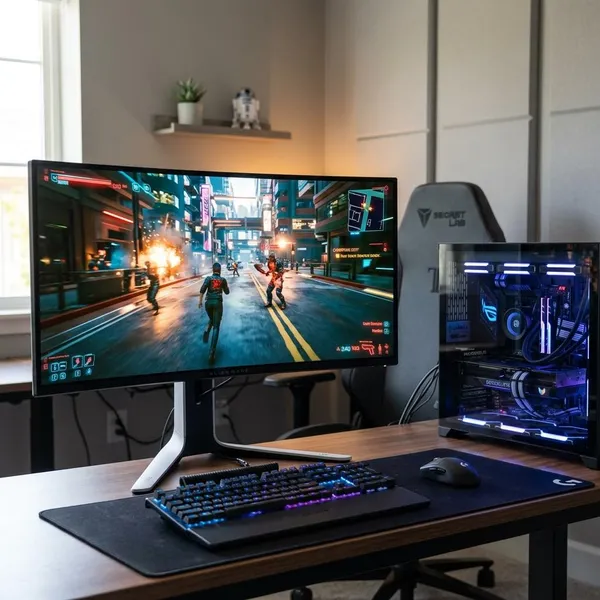
Match the resolution to your GPU
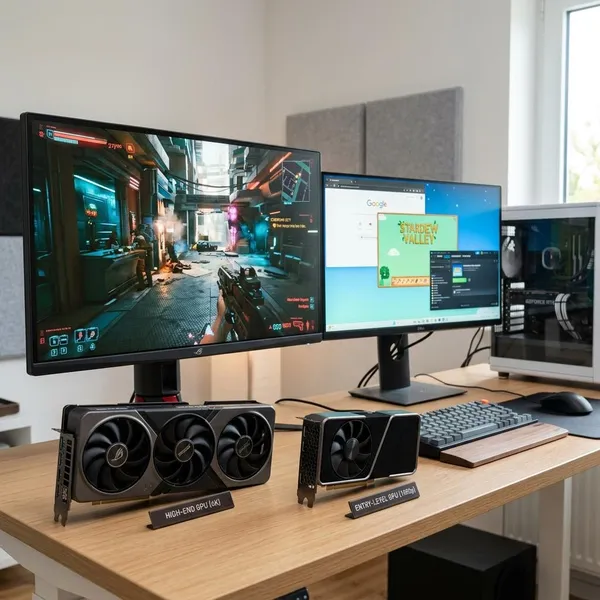
Resolution is the first filter because it controls how hard your GPU has to work. If you use a midrange gaming PC, 1440p is often the safer target for smooth play. If you have a top-tier GPU and want richer detail in demanding games, 4K becomes much more reasonable.
For console gaming, do not chase PC-only extremes. A console-focused buyer should care more about 4K support, HDMI 2.1 where needed, VRR, low input lag, and a refresh rate that matches what the console can realistically output.
Match the refresh rate to your frame rate
A high refresh rate only helps fully when your system can produce enough frames. If your favorite games sit around 90 to 140 FPS, a 240Hz screen can still feel smooth, but you will not experience its full ceiling all the time. If your esports titles run far above 240 FPS, then a faster panel becomes easier to justify.
Do not judge only by peak FPS. Stable frame pacing usually feels better than a game that briefly spikes high and then drops hard during fights.
Choose a screen size for your desk
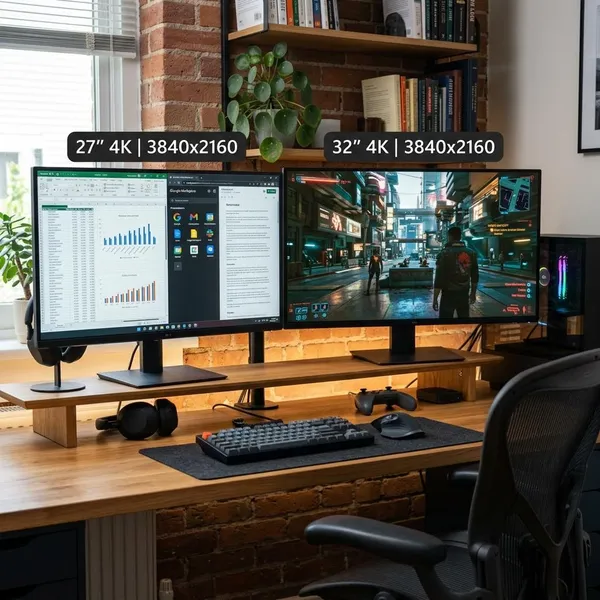
A 27-inch display is the safest size for most gaming desks, especially at 1440p. It is large enough to feel engaging but small enough that you can keep the full screen in view during fast play.
- 27-inch: best general fit for 1440p and competitive setups.
- 32-inch: better for 4K, mixed use, and players who sit a little farther back.
- 45-inch ultrawide: impressive for immersion, but measure depth before you buy.
Decide whether OLED is worth the premium
OLED is worth paying for if you notice contrast, dark-scene detail, HDR impact, and motion clarity. It is easiest to justify when the display is mainly for gaming and media rather than static office work all day.
If your use is split between spreadsheets, browser windows, and occasional gaming, a good IPS or other LCD option may be the more relaxed choice. If you play most evenings and care about how games look in dark rooms, OLED is one of the upgrades you are most likely to notice immediately.
Conclusion
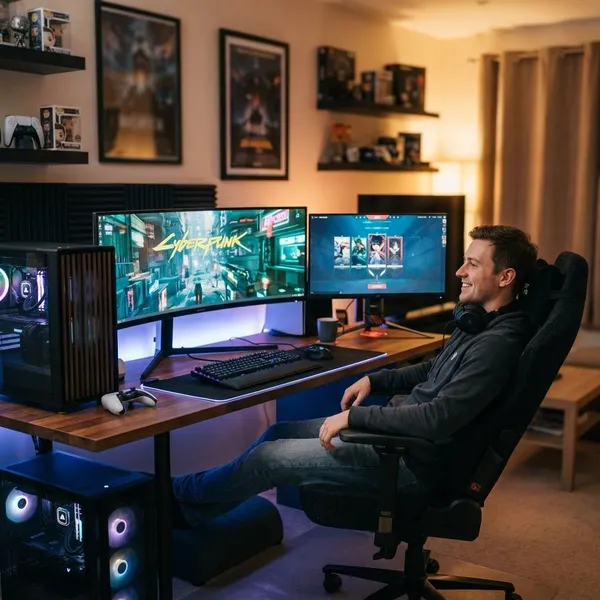
The right gaming display is the one that matches your hardware and the games you return to every week. Start with 1440p high refresh if you want the safest mix of speed and value, move to 4K OLED if your PC can support premium visuals, and choose ultrawide OLED only when immersion is the point of the whole setup. The ASUS ROG Swift OLED PG27AQDP is the strongest overall pick here, but the smarter buy is the one that lets your system perform well instead of making you chase specs you rarely use.
FAQS
Is OLED the best display technology for gaming?
For many gaming-first setups, yes. OLED gives you excellent contrast and very fast pixel response, but heavy static desktop use may make a high-quality LCD the more practical long-term choice.
Is 1440p or 4K better for gaming?
1440p is better for smooth high-FPS gaming on more PCs. 4K is better when you have a strong GPU and prefer sharper detail over easier performance.
What refresh rate is best for gaming?
144Hz is a good baseline, 240Hz is a strong target for serious players, and 480Hz is mainly for competitive users who can actually reach very high FPS. Buying beyond your frame rate does not add much value.
Are ultrawide gaming displays worth it?
They are worth it for immersion-focused games that support the format well. They are less ideal if you have a shallow desk, play unsupported titles, or mainly care about competitive consistency.